Guided room checks
Work through common inspection points, record notes, and mark each item as checked, suspicious, skipped, or pending.
 Travel Privacy Guard
A local-first room inspection assistant
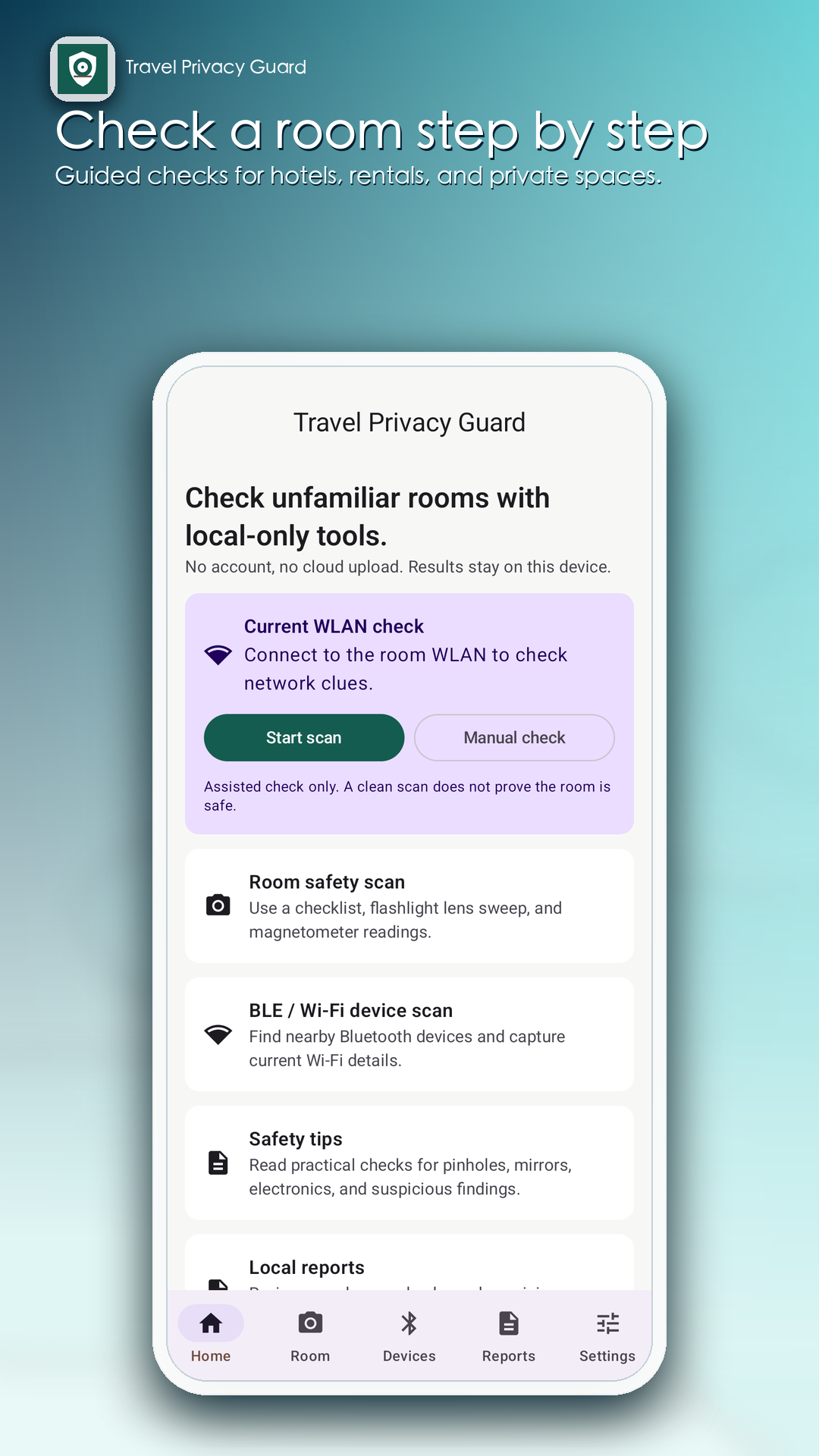
Follow a structured checklist, review nearby device clues, and keep a private record of what you checked—without creating an account.
Android app · Completely free, with no in-app purchases or subscriptions
The release version uses Firebase Analytics and does not display advertising. See the Privacy Policy for details.
One calm workflow
Travel Privacy Guard brings manual checks and device clues into one private, repeatable report.
Work through common inspection points, record notes, and mark each item as checked, suspicious, skipped, or pending.
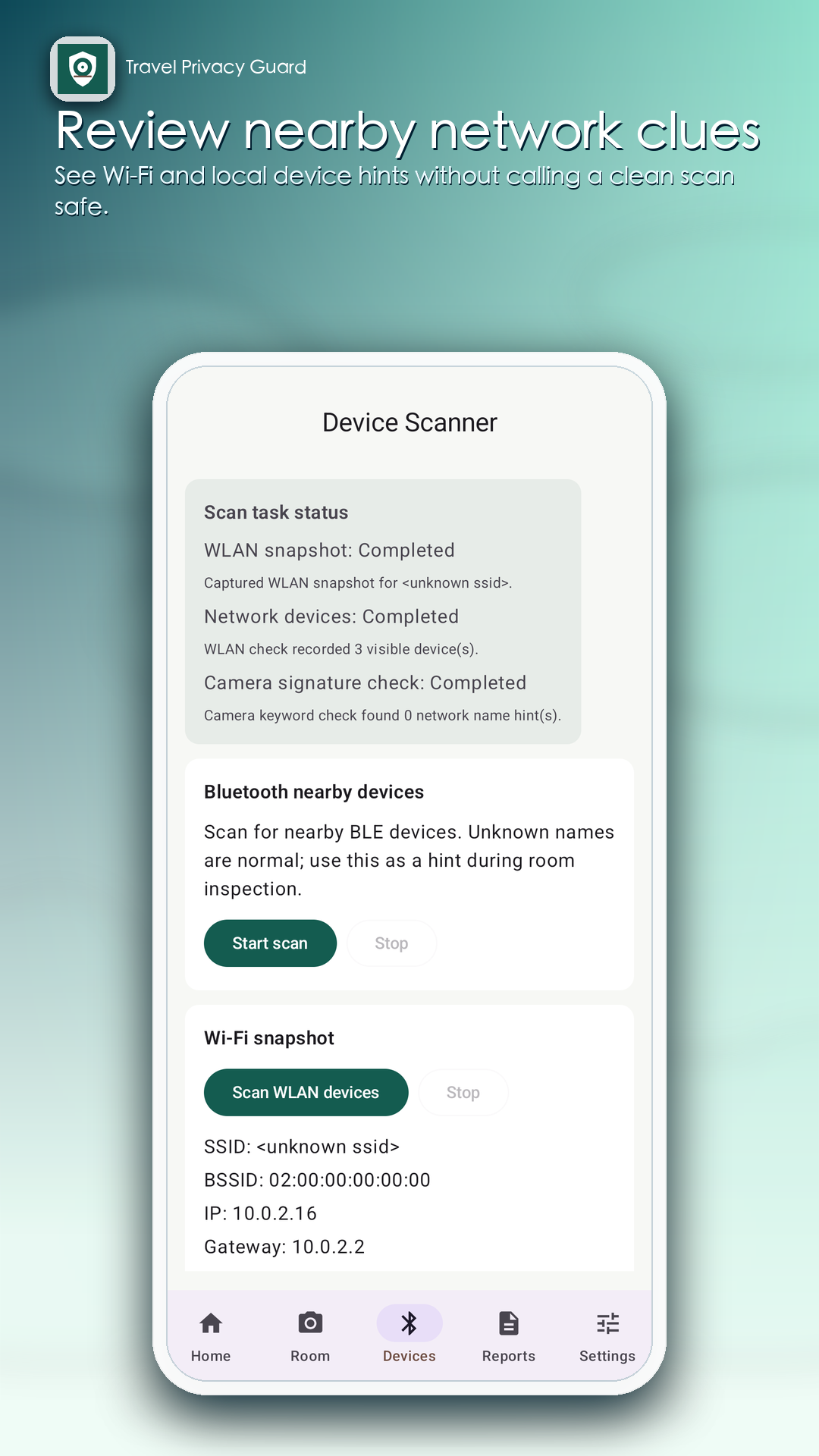
Review user-initiated Wi-Fi, local-network, and Bluetooth scans. Names and signal levels are clues—not proof.
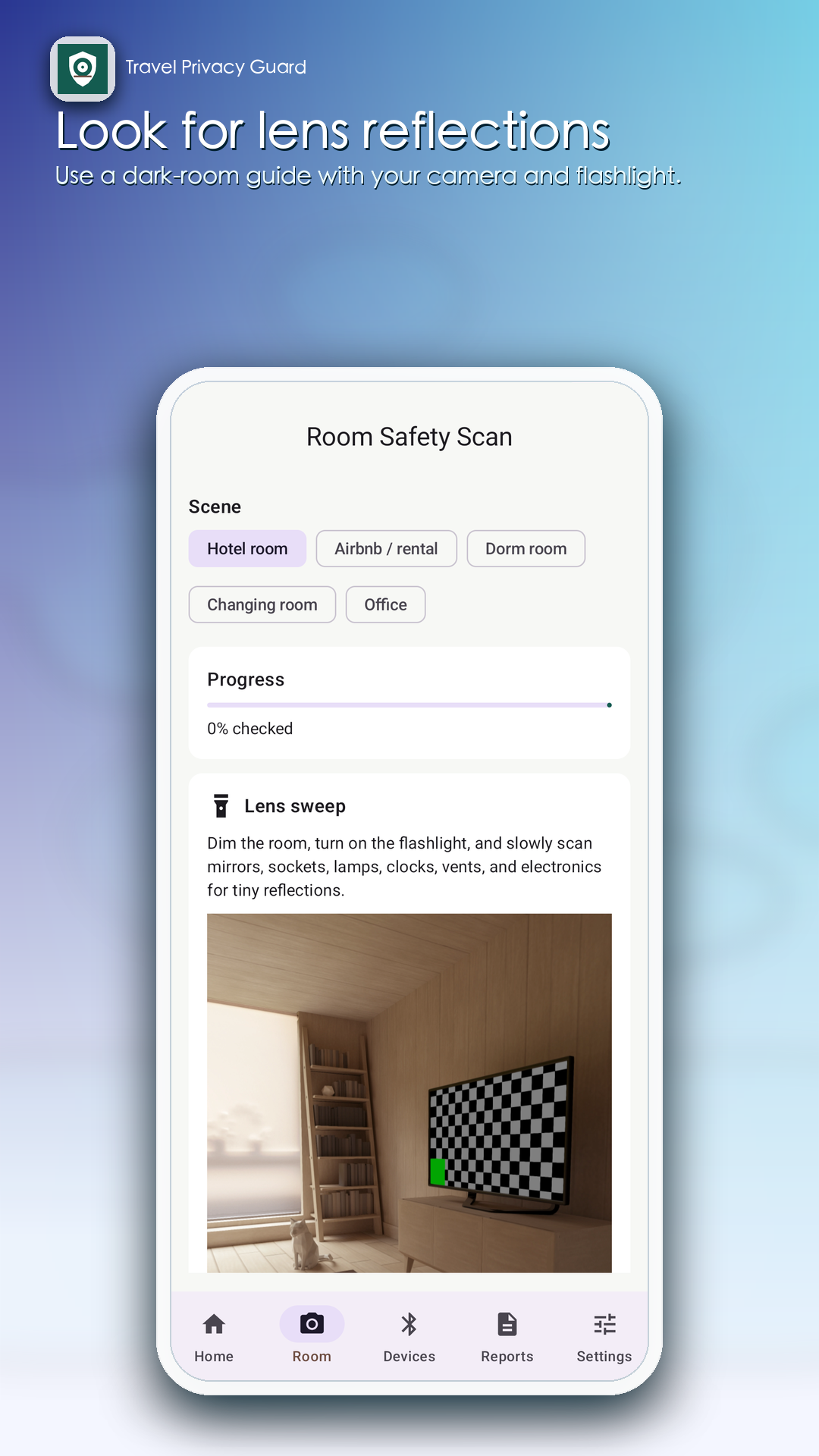
Use a guided dark-room lens sweep and compare magnetic readings with a local baseline for supporting context.
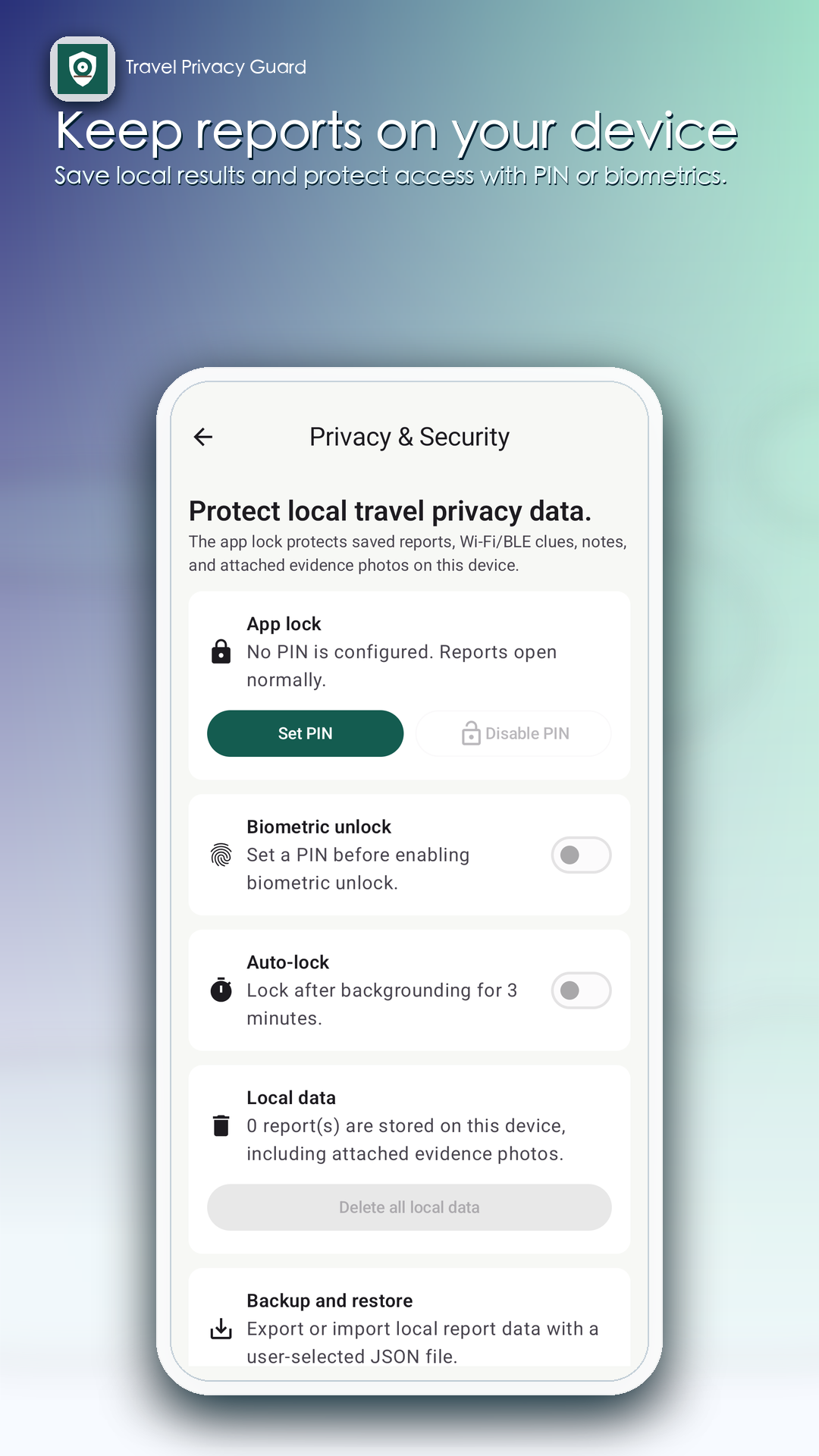
Keep results, notes, and selected evidence on your device, with optional PIN and supported biometric protection.
From arrival to report
Use the checklist to inspect common locations at your own pace.
Run only the scans you choose and compare the results with what you can observe.
Save notes and selected evidence, or export supported report data as JSON.
What the results mean
A clean scan does not prove that a room is safe, and no phone app can detect every hidden camera. Offline cameras, cellular devices, isolated networks, concealed wiring, and ordinary electronics can all affect results. Treat every reading as context for a careful manual inspection.
Do not confront another person or damage property based only on an app result.
Privacy by design
The app does not upload room reports, notes, evidence photos, Wi-Fi information, Bluetooth scan results, magnetic readings, or PIN data to our servers. Your checks remain in app-private local storage until you delete them or uninstall the app.